
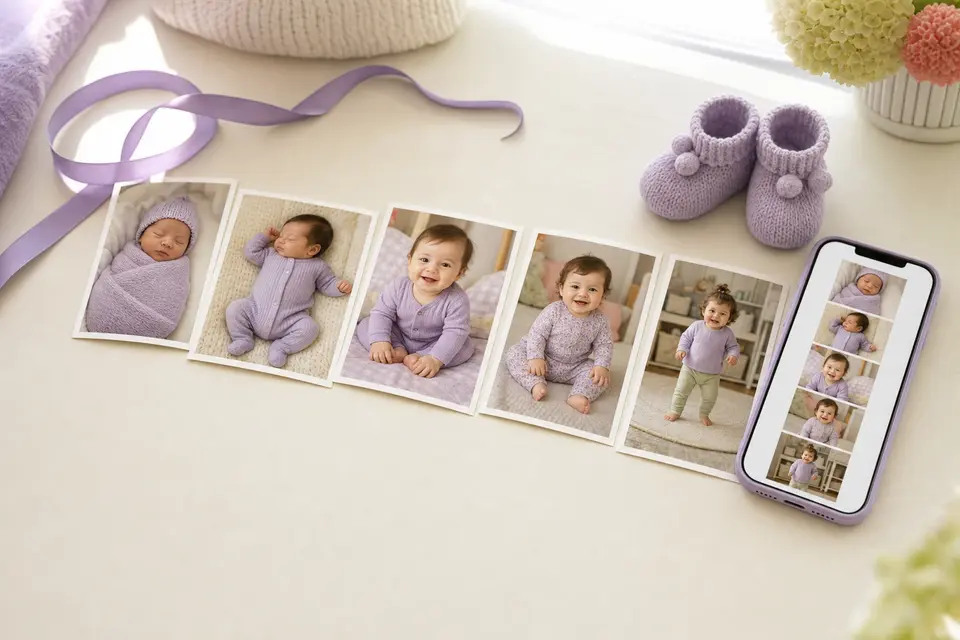
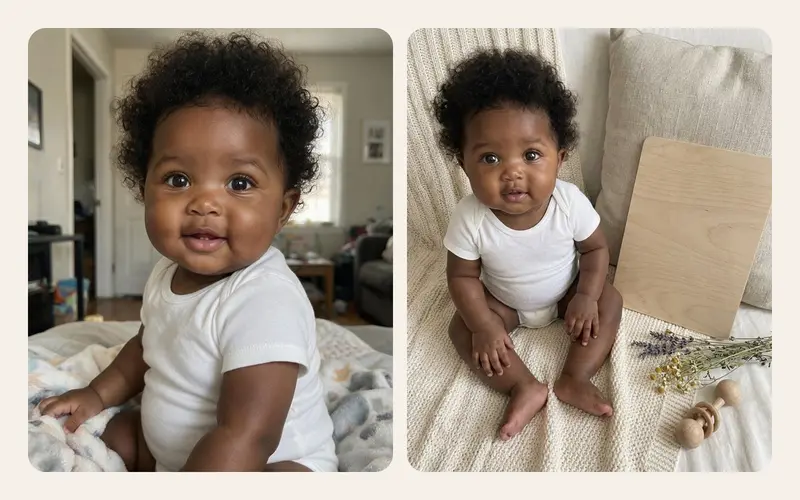
AI baby photos9 min read
AI baby photo generators: how they work, in plain words
How an AI baby photo generator turns one photo into a new image: what the model learned, identity preservation, why hands go wrong, and where your photo goes.
Topics
Latest articleAI baby photo generators: how they work, in plain words
TinyLapse helps you take a photo of your baby each day from the same angle, then turns the whole album into a time-lapse video of them growing. Small moments pass quickly, their story stays.
Free to start. Premium is optional.
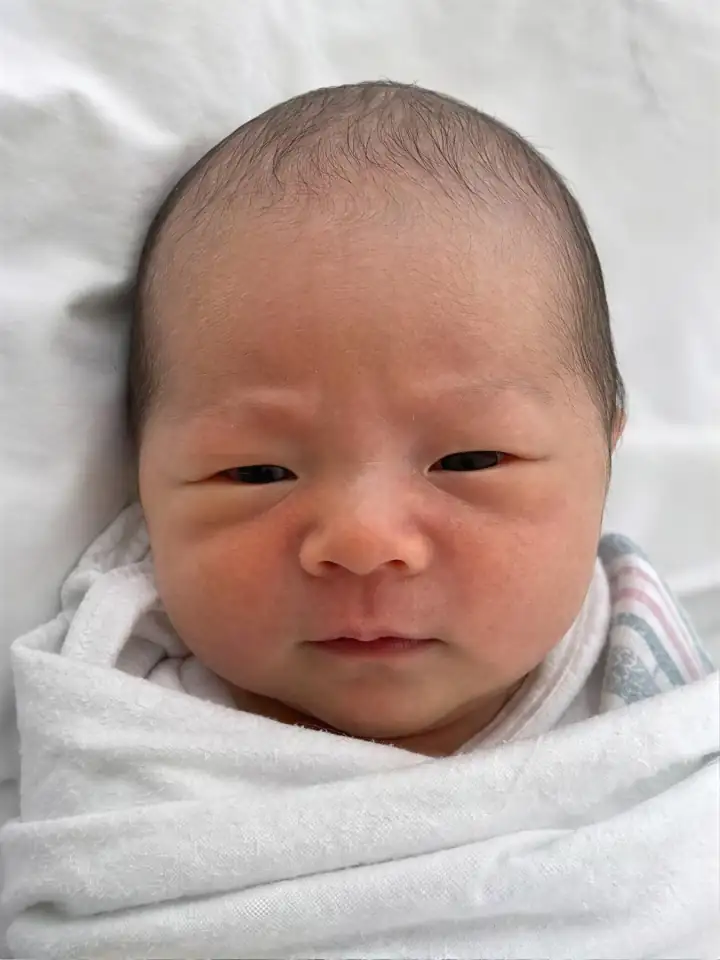

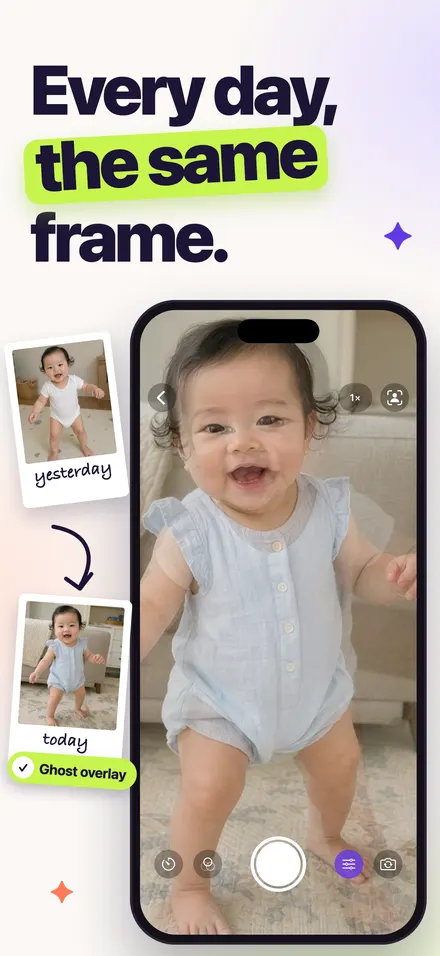
Yesterday's photo appears faintly on the camera, like tracing paper. Match their chin to the outline, tap, and today lines up with every day before it. That is what makes the video smooth instead of jumpy.
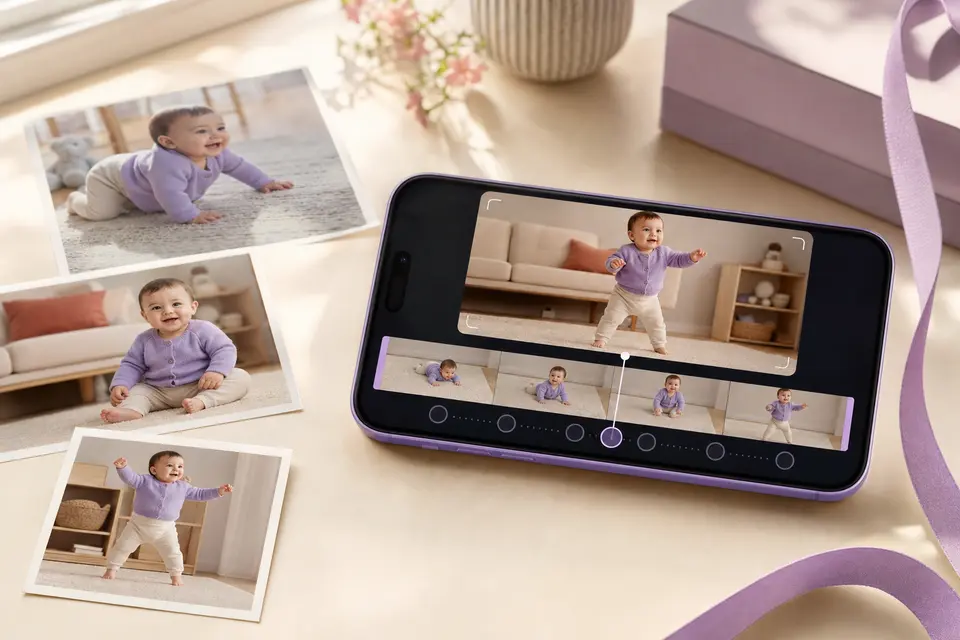
Pick the album and the app builds the video for you. Choose the speed, play it forward or in reverse, set the ratio for a story or a TV, add a name and date, and export up to 1080p.
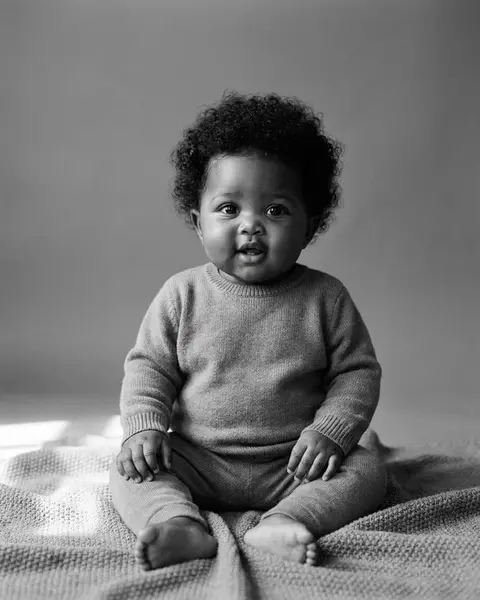
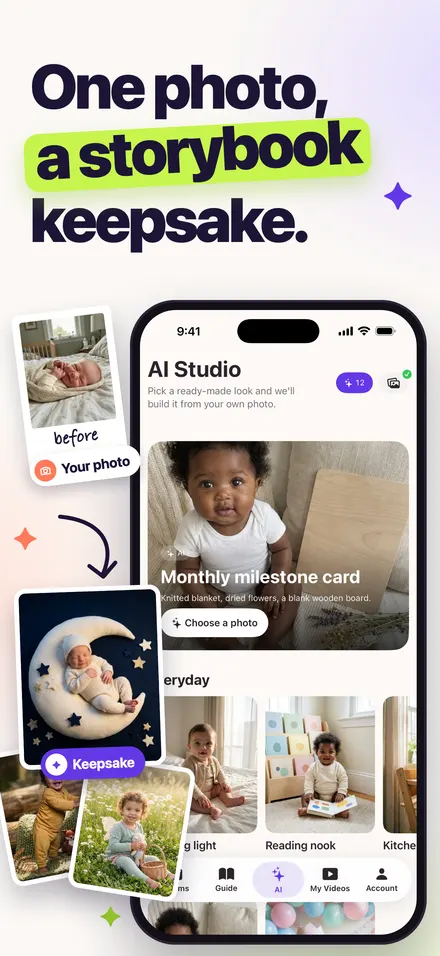
Choose one photo of your baby, pick a theme like Monthly milestone, Little astronaut or Sleepy moon, and TinyLapse makes a card that keeps their face, expression and skin tone. No prompts to write, no strange outfits: every theme is a fixed preset we wrote and tested for babies.
AI cards are optional and use credits. Sign in with Apple or Google is only needed here.
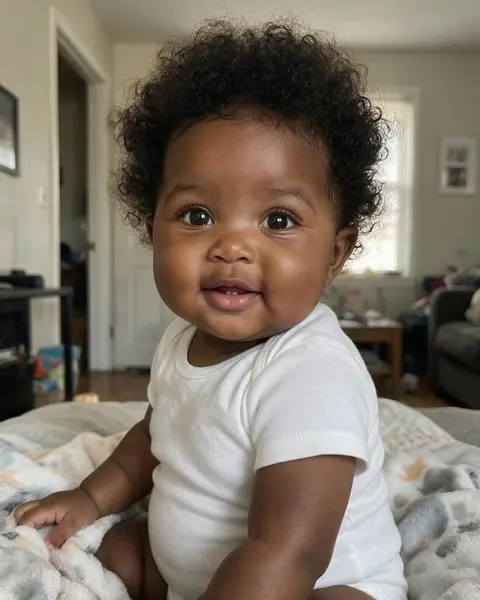
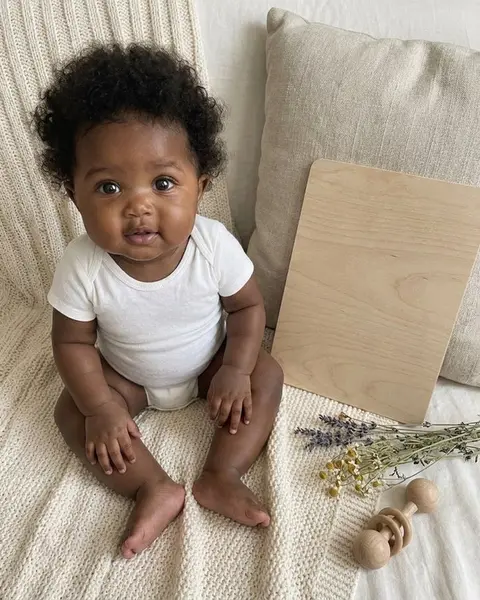
A few of the themes
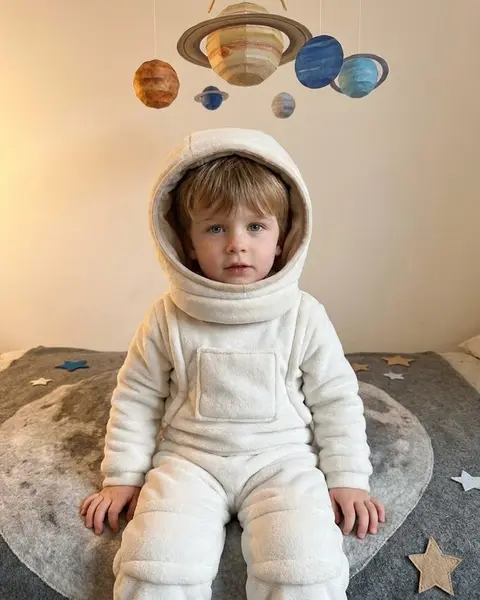

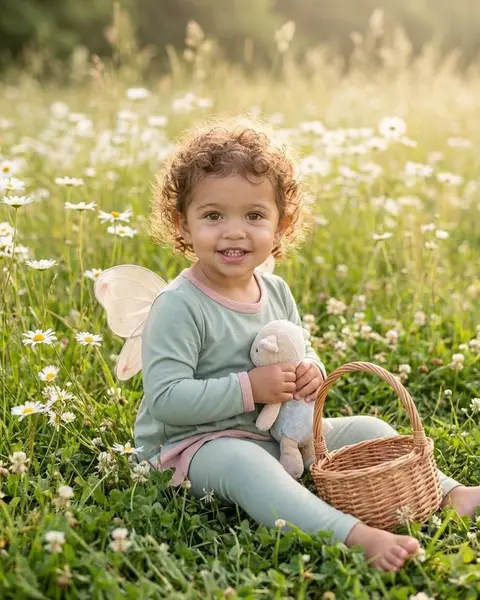
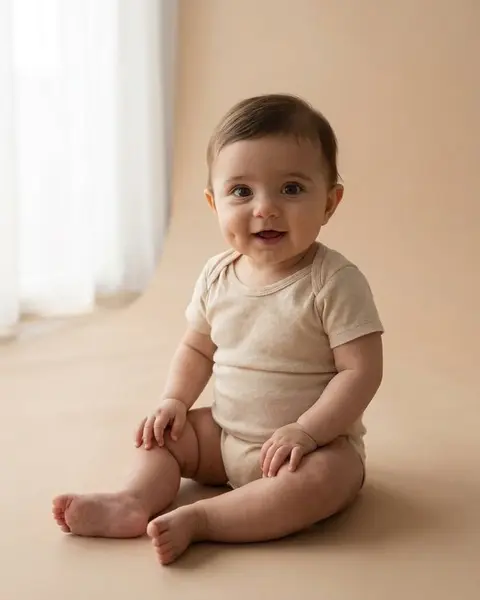

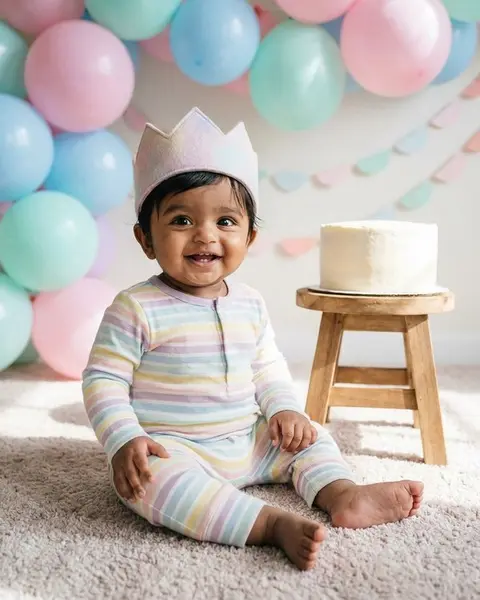
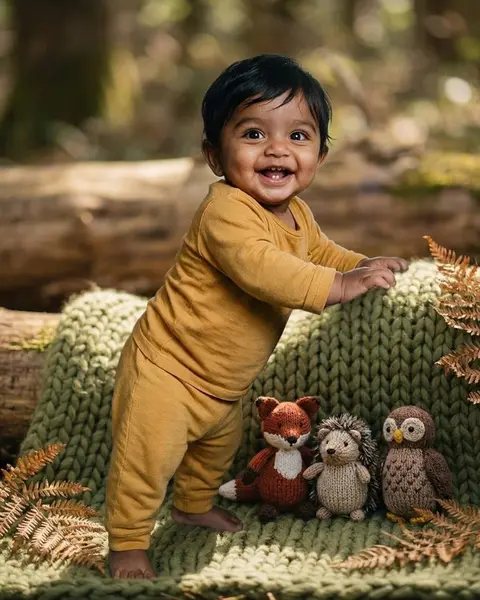
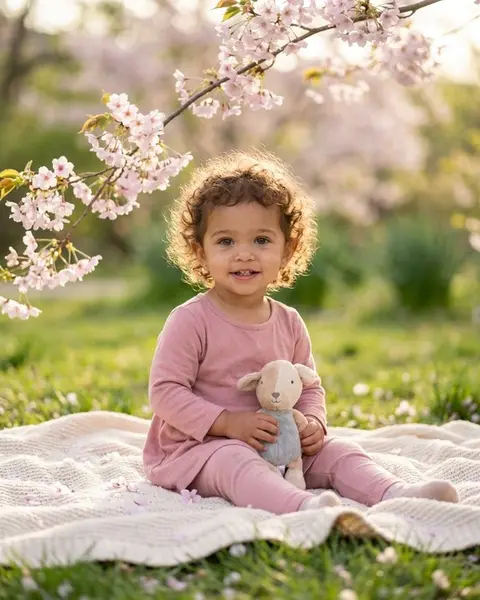

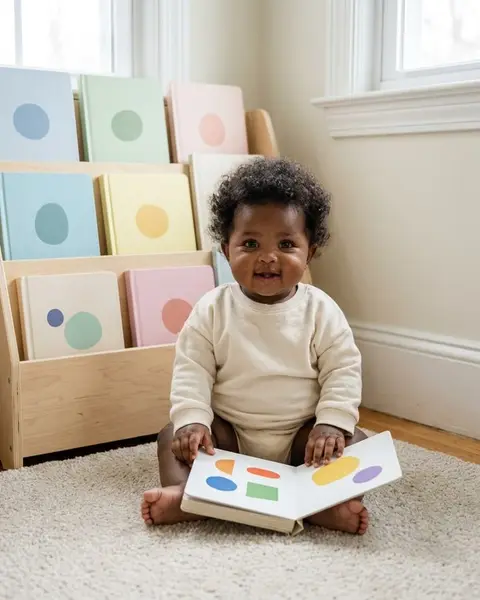
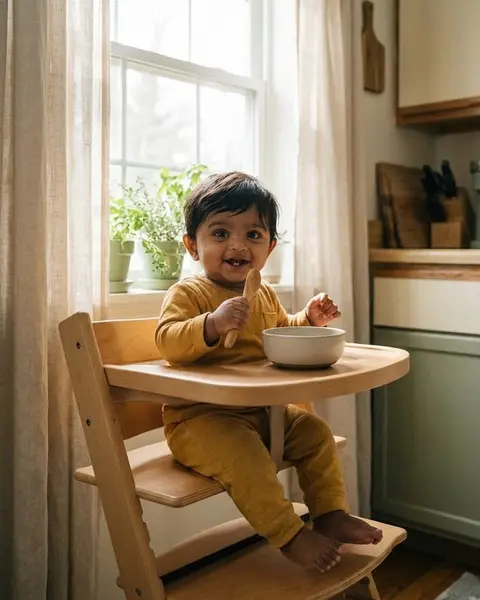
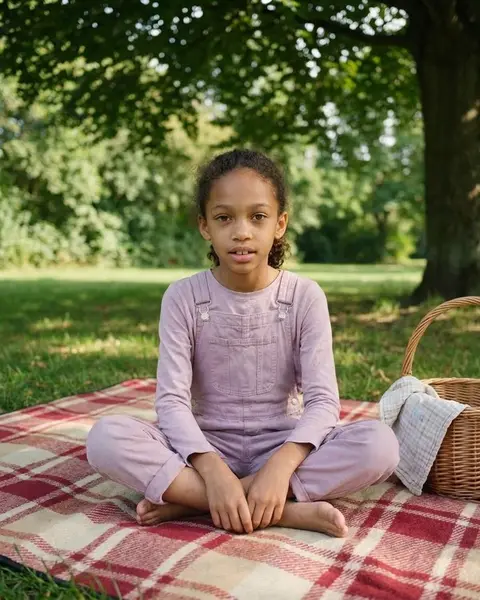


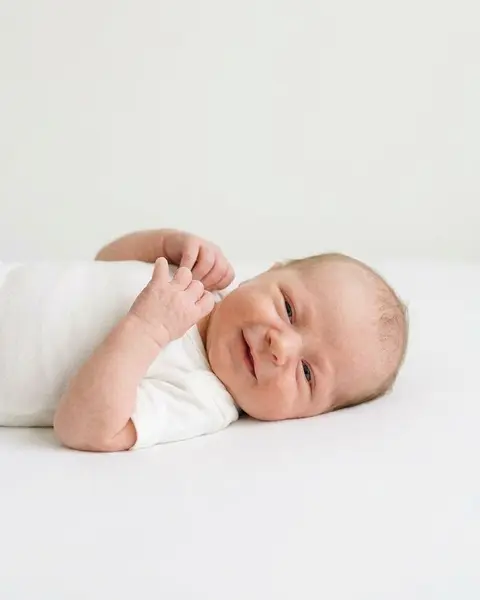
A card for each week of the first three months and each month up to age three, with what often changes, a photo idea for that stage and small photography skills like finding window light or keeping the background quiet.
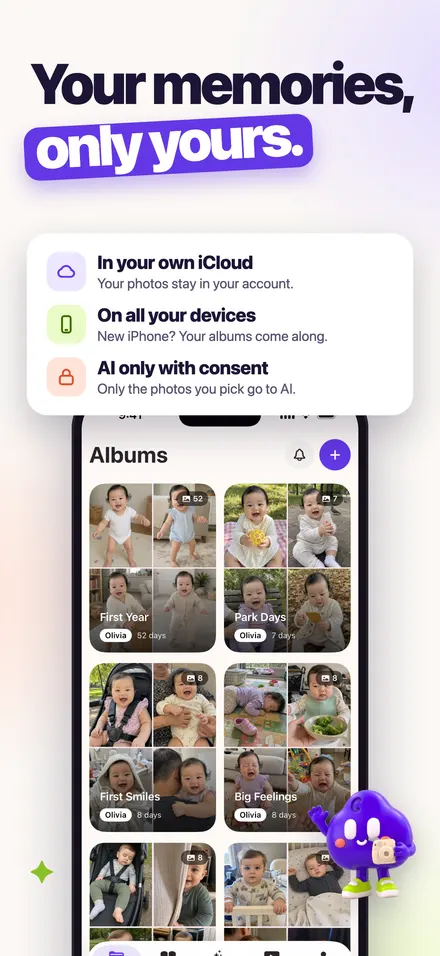
Photos and albums live on your iPhone and in your own private iCloud, so they follow you to a new phone and nobody else can open them, including us. The only time a photo leaves is when you choose to make an AI card, and that photo is deleted when the card is done.
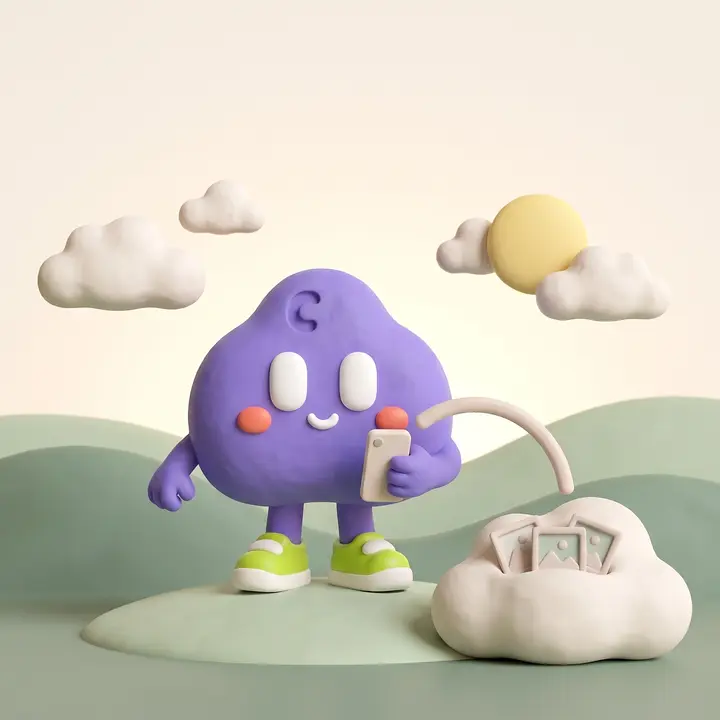
Add your baby's name and birth date so every photo shows their age.
Line it up with the ghost overlay. A reminder can nudge you at the hour you like.
Make the video whenever you want, from a few weeks of photos or a few years.
Everything you need in five tabs: albums, guide, AI studio, videos and your account.
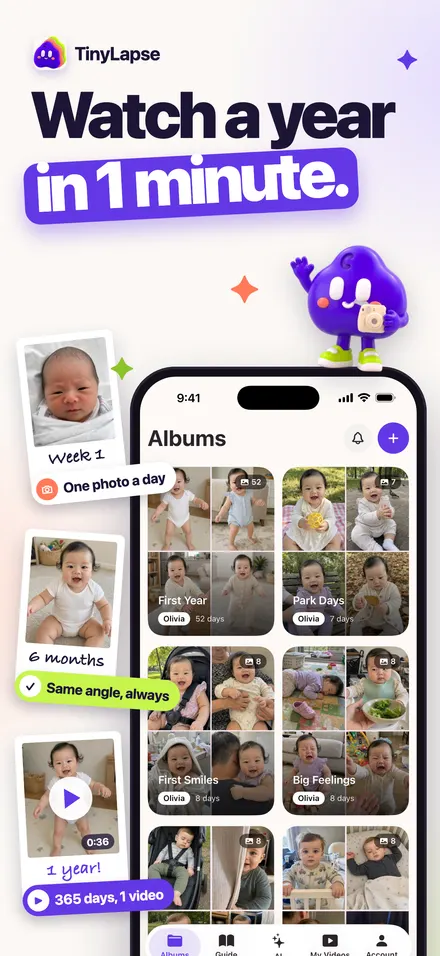
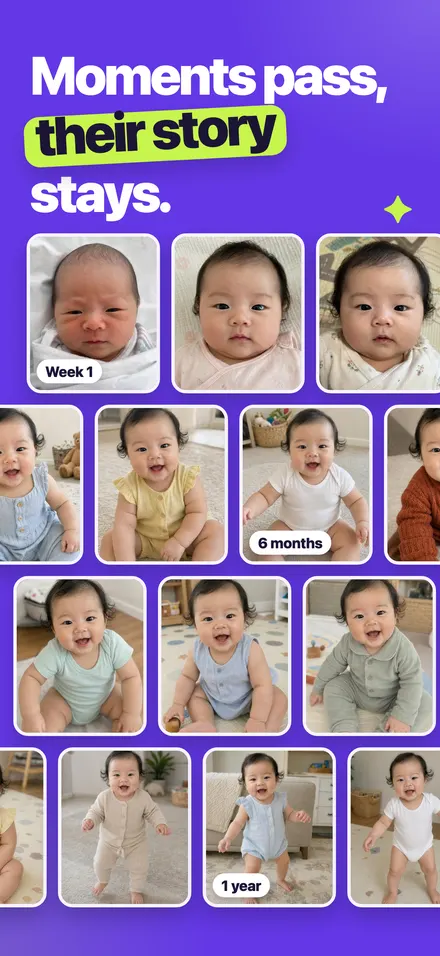
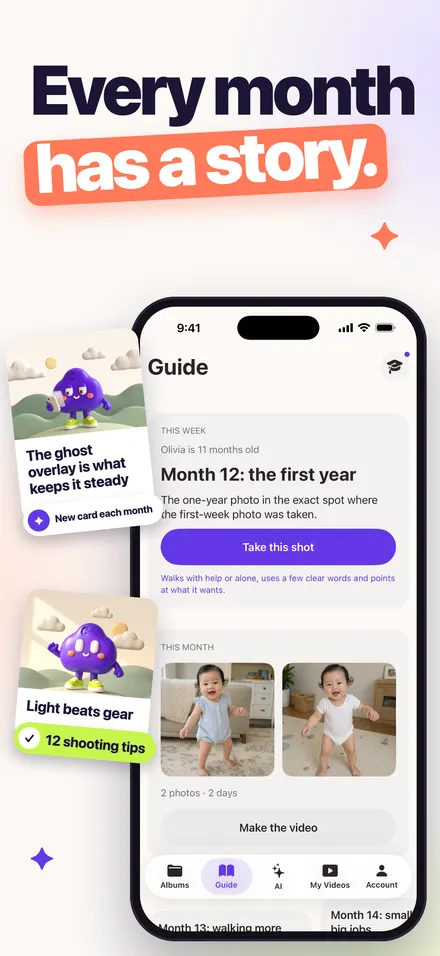
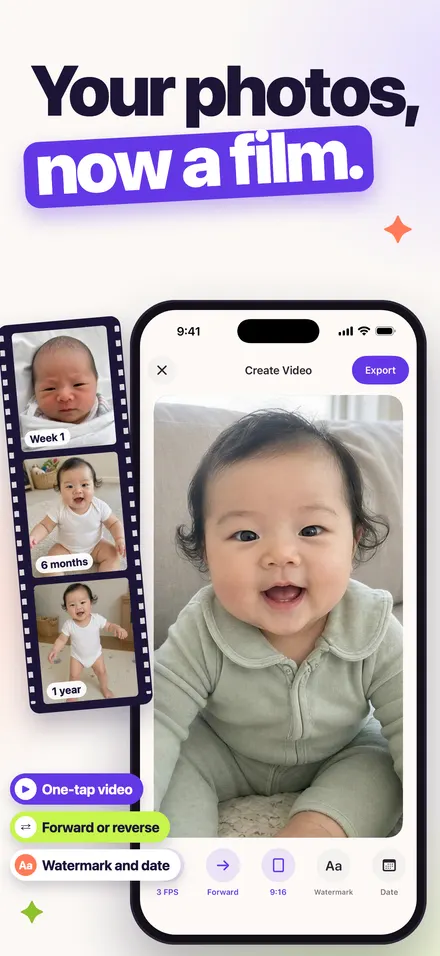
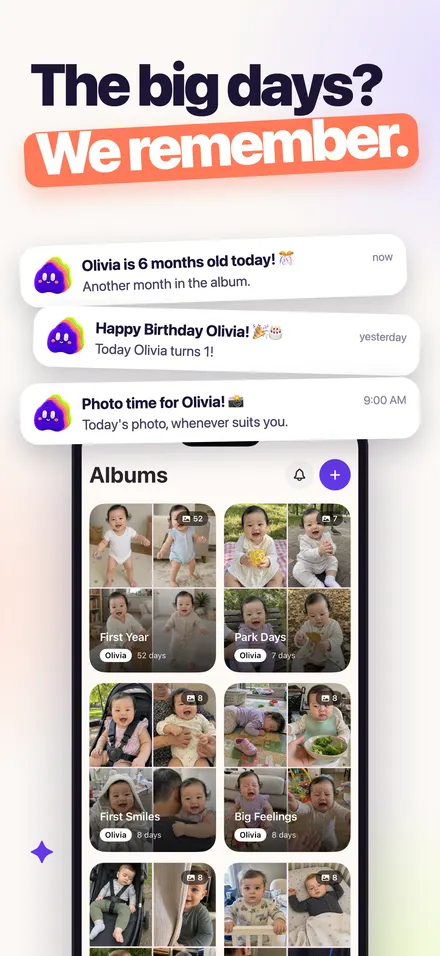
TinyLapse is an iPhone app for taking one photo of your baby every day and watching them grow. A faint copy of the last photo on the camera helps you keep the same angle, reminders come at the time you choose, and the app turns the album into a time-lapse video of the newborn weeks, the first year or the first three years.
It also has a month-by-month Guide for the first three years and optional AI keepsake cards that turn one of your own photos into a themed card. Albums stay on your phone and in your private iCloud. It is available in English, Turkish, German, Spanish, French and Arabic.
Short, honest answers. If yours is missing, write to us.
Yes, that is exactly what TinyLapse is for. You take one photo a day (or every few days), the ghost overlay keeps the angle the same, and the app turns the photos into a time-lapse video you can export up to 1080p.
When you open the camera, the previous photo shows at low opacity on top of the live view. Line your baby up with the outline, take the photo, and each day matches the last. You can also take photos from your library.
Open the album, tap to create a video, choose speed, direction, ratio and an optional name and date watermark, then export as MP4 or GIF. It works with any number of photos, so you can make one at three months and again at one year.
They are themed images made from one photo you choose, such as a monthly milestone card, a soft studio portrait or a little astronaut. Themes are fixed presets written by TinyLapse that keep your baby's face and keep them fully clothed. Each card uses one credit, and a card that fails gives the credit back.
Before the first upload the app shows what is shared and asks for your consent. The photo goes to our private storage and to our image processor, fal.ai, only to make your card. It is deleted as soon as the card is finished, it is never used for training, and the finished card is kept for 90 days unless you delete it sooner.
On your iPhone and in your own private iCloud database. TinyLapse cannot see your albums. If you change phones, signing in to the same iCloud brings them back.
You can download it, create an album, take daily photos and make videos for free. Free exports are 360p with a small TinyLapse mark. Premium is optional: it removes the limits, unlocks every export quality and includes keepsake credits. It is billed through your Apple ID and you can cancel in your App Store settings. There is no free trial.
Yes. Every child gets their own albums and ages, and people also use TinyLapse for bump photos week by week, a new puppy or a growing plant.
Safe newborn poses, monthly photo ideas, AI keepsakes and everyday routines.
How an AI baby photo generator turns one photo into a new image: what the model learned, identity preservation, why hands go wrong, and where your photo goes.

AI baby photo ideas for every stage: keepsake cards by month, season and occasion, which presets suit each moment, and how to pick the photo to start from.
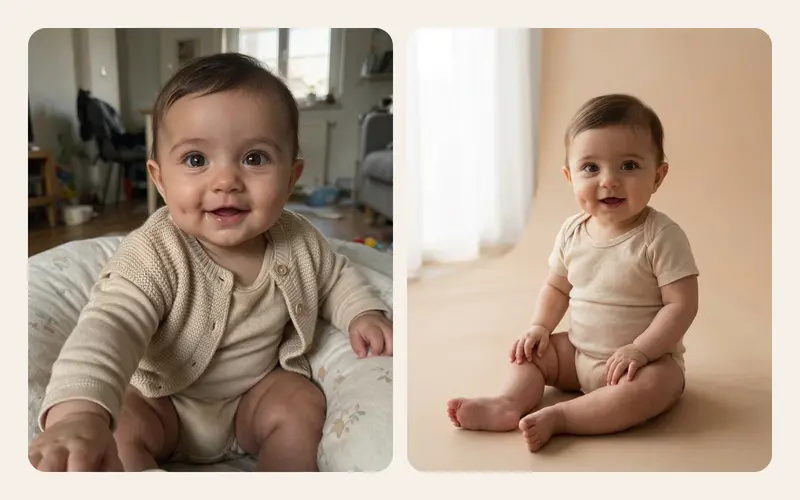
AI baby photo prompts or fixed presets? What prompts do well, where they go wrong with babies (likeness, clothing, poses) and why tested presets suit babies.
The first photo takes a minute. A year from now you will have the whole story in one video.
For iPhone with iOS 18 or later.