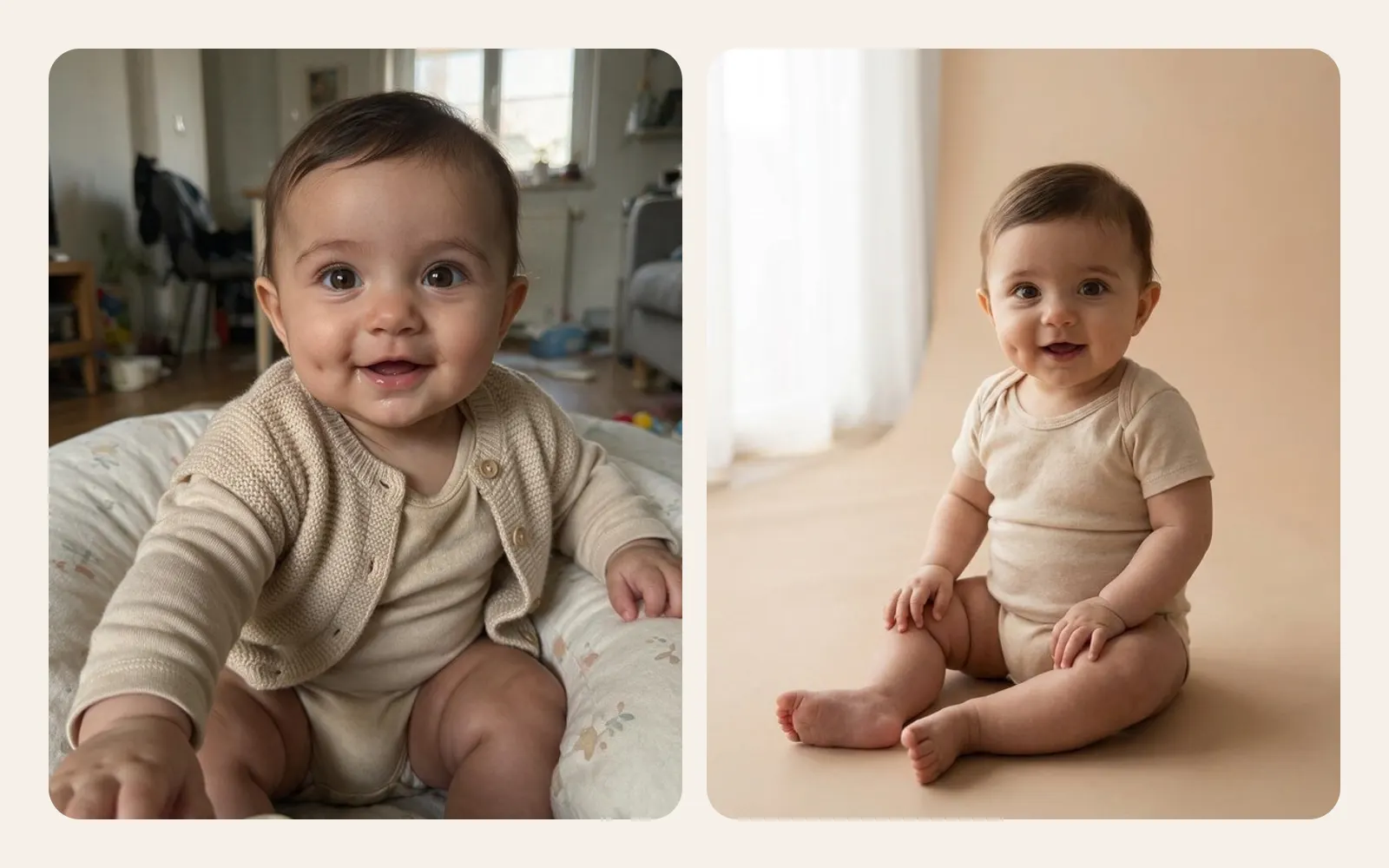
If you have played with a general AI image tool, you know the routine: type a description, wait, look at the result, change a few words, try again. It is a powerful way to make pictures. With a photo of your own baby, though, the goal is different. You do not want a nice image of a baby. You want your baby, looking like themselves, dressed, in a scene that feels right.
This article compares the two ways AI baby photo apps usually work, typed prompts and fixed presets, and tries to be fair about where each one shines.
Two ways to ask for an image
A prompt is text you write yourself. For example: "My baby as an astronaut floating among stars, soft light, pastel colours." The app sends your photo and your words to an image model, and the model tries to follow both.
A preset is a prompt someone else wrote in advance, tested and fixed. You see it as a named theme, such as Soft studio or Little astronaut, and you never see or type the text behind it. You choose the theme, and the app does the rest.
Behind the scenes, both approaches often use similar models. The difference is who writes the instructions and how much testing sits behind them. For a fuller picture of how the models themselves work, see how AI baby photo generators work.
What free prompts genuinely do well
Prompts deserve credit. For plenty of jobs they are exactly the right tool.
- Unlimited range. Anything you can describe, you can ask for. No menu limits your imagination.
- Personal details. A prompt can describe your actual garden, the colour of grandma's armchair or a scene from a family joke.
- Fine tuning. You can nudge a result: warmer light, fewer balloons, a different background.
- Creative play. For adults, pets, landscapes and illustrations, writing prompts is fun and a genuinely useful skill.
People who enjoy experimenting and have time to iterate can get striking images this way. The real question is whether those strengths carry over to photos of babies.
Where prompts go wrong with baby photos
Babies are one of the hardest subjects for image models, and free text makes several problems worse.
Likeness drifts
Baby faces have few strong features: soft cheeks, a small nose, barely any jawline. Models tend to fill those gaps with an average, generic baby look. A prompt that focuses on the scene ("astronaut, stars, dramatic lighting") gives the model little reason to protect the face, and the result can be a lovely baby who is not yours.
Skin tone and features shift
Some models lighten skin, change eye colour or alter hair texture unless told very clearly not to. Most people writing a quick prompt would never think to add those instructions.
Age creeps up
Ask for "a fairy" or "a princess" and a six month old can come back looking four years old, complete with teeth and styled hair.
Clothing is left to chance
A prompt like "baby in a bath full of flowers" or "baby at the beach" can easily produce an unclothed baby. For an image you may print, share with family or keep for decades, that is not a decision most parents want to hand to a model.
Poses that would be unsafe in real life
Models happily show babies balanced on shelves, hanging in slings from branches or propped up with their chin in their hands. These are composite poses that professional newborn photographers only ever fake by combining several supported shots, and seeing them often can make them look like something to copy at home. Our guide to safe newborn poses explains why they are never done for real.
Inconsistency and trial and error
The same prompt can give very different results each time, which makes a monthly series hard to build. Every retry is another upload, another wait and often another credit.
What a well made preset does behind the scenes
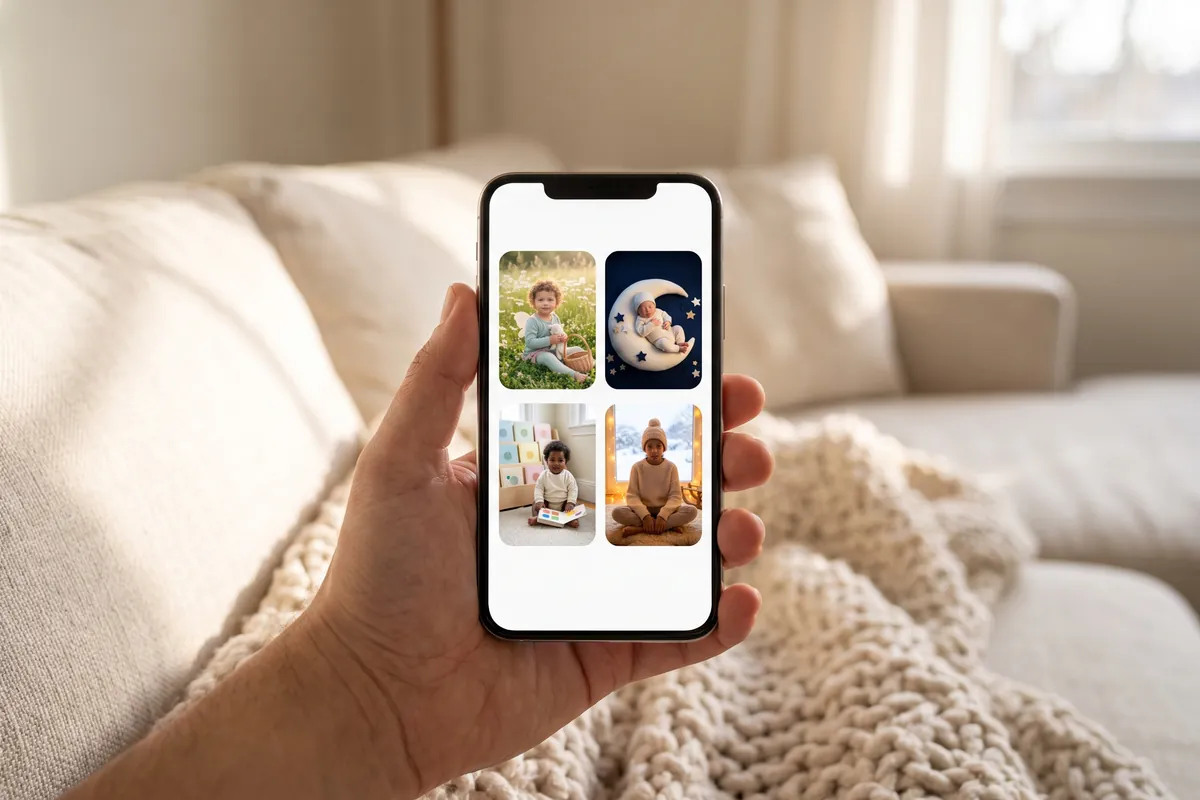
A good preset is really a long, careful prompt, written by people who have run it many times on many different photos. It can include instructions most parents would never think to write:
- Keep the face, expression and skin tone of the baby in the photo.
- Keep the baby's apparent age.
- Keep the baby fully clothed in soft, age appropriate clothing.
- Show the baby lying, sitting or held in a way that looks natural and safe.
- Describe the scene, light and colours precisely, so results stay consistent.
- Leave out text, logos and extra people.
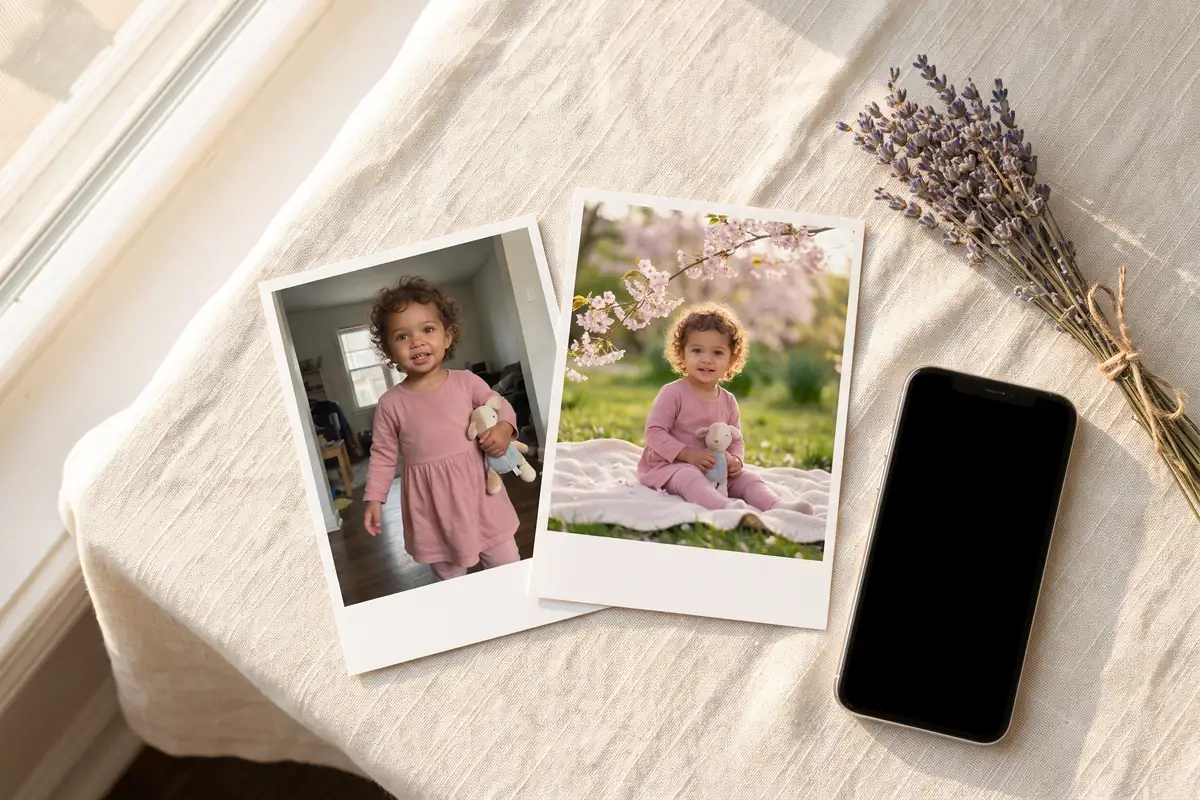
Because the text is fixed, the result is predictable. Choose the same theme in March and again in September, and the two cards look like a set.
Side by side
| Typed prompts | Fixed presets | |
|---|---|---|
| Range of ideas | Anything you can describe | A curated list of themes |
| Skill needed | Some: wording changes results | None: pick a theme |
| Keeping the baby's likeness | Depends on your wording | Written into every preset |
| Clothing | Up to the model unless specified | Always fully clothed |
| Safe looking poses | Not guaranteed | Written into the preset |
| Consistency across months | Low | High |
| Retries | Often several | Usually fewer |
When a prompt is still the better tool
To be fair, presets have real limits. If you want something very specific, like your baby in your own garden or a scene from a story only your family knows, no preset list will cover it. Parents who love creative experiments may find a fixed menu restrictive. And for images that do not show a child at all, such as a nursery wall illustration or a background for a birth announcement, free prompts are a perfectly good choice.
For pictures of the baby themselves, especially ones you plan to keep, the balance tips toward presets. The constraints are the feature: they protect the things that matter most in the image. For ideas on which theme suits which moment, see our list of AI baby keepsake card ideas.
How TinyLapse handles it
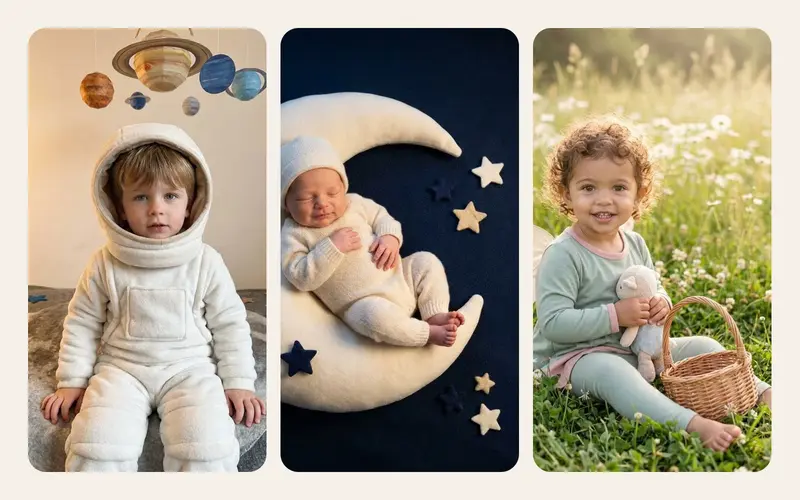
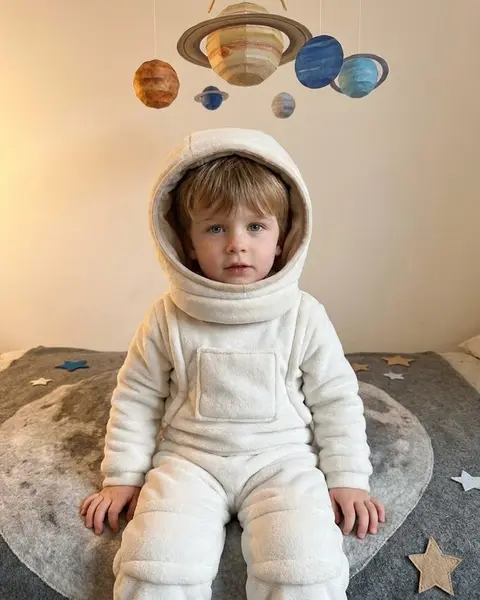
TinyLapse, an iPhone app for daily baby photos and time-lapse videos, uses presets only in its optional AI keepsake cards. You pick one photo and one themed preset, such as Monthly milestone card, Soft studio, Garden fairy, Little astronaut, Winter tale or Sleepy moon, and get one image. The presets are fixed prompts written by the TinyLapse team; they keep the baby's face, expression and skin tone and keep the baby fully clothed. Nobody types a prompt.
Before the first upload, the app shows what is shared and asks for explicit consent. Photos are not used for training, the uploaded photo is deleted as soon as the job ends, and the finished card is kept for 90 days or until you delete it. A card that fails refunds its credit. Your everyday albums stay on your device and in your own iCloud, as described in the privacy section. The app is on the App Store.
If you are weighing up several apps, our checklist for choosing an AI baby photo app and our look at whether it is safe to upload baby photos to AI are good next reads.
Getting a good result from any preset
Whichever tool you use, the starting photo still does most of the work. Choose one where the face is clearly visible, lit by soft window light, with sharp eyes, simple clothes and no filters. A clear photo and a carefully written preset together give the model the best chance of returning a card that looks like the child you know.