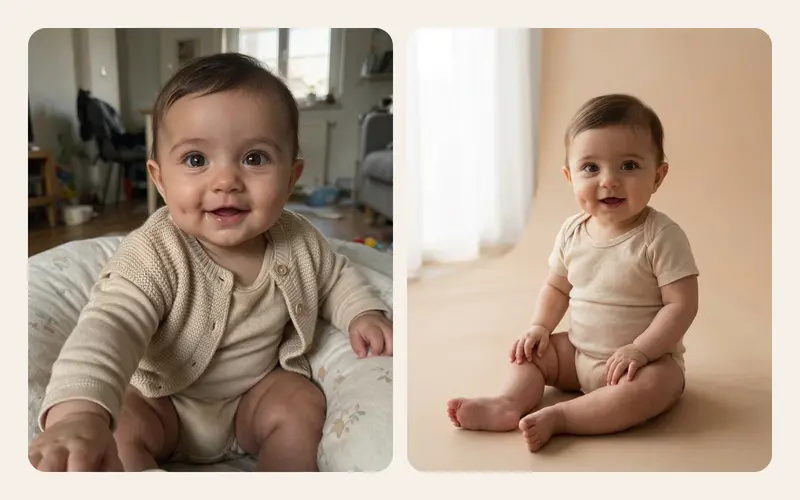
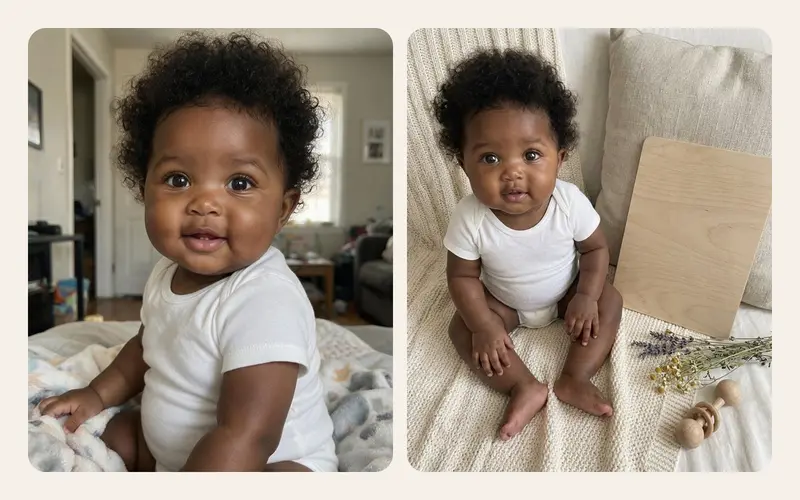

Search for an AI baby photo app and you will find dozens, each with a gallery of adorable examples. The examples all look good; that is what examples are for. What they do not show is what happens to the photo of your child after you tap upload, whether the result will actually look like your baby, and what you can do when it does not.
"Best" depends on what matters to you, but for a photo of a baby a few things matter to almost everyone. This checklist gives you ten questions to answer before the first upload, a ten minute way to test any app and the red flags worth walking away from.
Why the choice matters more for baby photos
An AI photo app is not a simple filter. To create an image it usually sends your photo to a server, often to a separate company that runs the model. That photo shows a child who cannot consent, may show your home in the background and may carry location data in its file. Once it is uploaded, what happens next depends on the app's rules.
The good news is that the answers are usually findable in ten minutes, in the consent screen, the privacy policy and the help pages. If they are not there, that is an answer too. For the wider safety picture, it is worth reading is it safe to upload baby photos to AI first.
The 10-point checklist
1. Is there a clear consent screen before the first upload?
A careful app tells you, in plain language and before anything leaves your phone, what will be shared and with whom, then asks you to agree. A line buried in the long terms you accepted when installing is not the same thing.
2. When is the uploaded photo deleted?
Look for a specific answer, such as "deleted when the image is finished" or a set number of days. "We keep data as long as necessary" tells you very little. Check separately how long finished images are kept and whether you can delete them yourself.
3. Are photos used to train AI models?
This may be the most important question on the list. Some services use uploads to improve their models unless you opt out; others never do. For photos of your child, you want a clear no, written in the privacy policy and not only in marketing copy.
4. Where does processing happen, and who does it?
Most apps do not run their own models. They send photos to an AI provider. A trustworthy app names its processors, or at least explains the chain: app, storage, model provider. Knowing who handles the photo lets you read their policies too.
5. Does it keep your baby's likeness?
Look closely at the example gallery and at reviews that show real results. Does the app say it preserves the face, expression and skin tone? Baby features are subtle, and some tools drift toward a generic baby look or lighten skin. Our explainer on how AI baby photo generators work shows why that happens.
6. Are there rules about clothing and poses?
An app for baby photos should keep children fully clothed in every result and avoid poses that would be unsafe in real life. That is far easier to guarantee with fixed, tested themes than with free text; we explain the difference in AI baby photo prompts vs presets.
7. What happens when an image fails?
Generation sometimes fails: a timeout, a blocked result, a broken image. Check whether a failed image gives back the credit or allowance it used. You should not lose a credit for an image you never received.
8. What sign-in does it need, and why?
Some apps ask for an account, email address and phone number before you can even look around. Ask what the sign-in is for. Sign in with Apple lets you hide your real email address from the app. An app that asks for an account only for the features that truly need one is treating your data with more care.
9. What does it do with your other photos?
Some apps ask for access to your entire photo library to make a single image. On iPhone you can give an app only the photos you select, so prefer apps that work that way. If the app stores photos at all, check where your albums actually live.
10. Can you delete your data, and how?
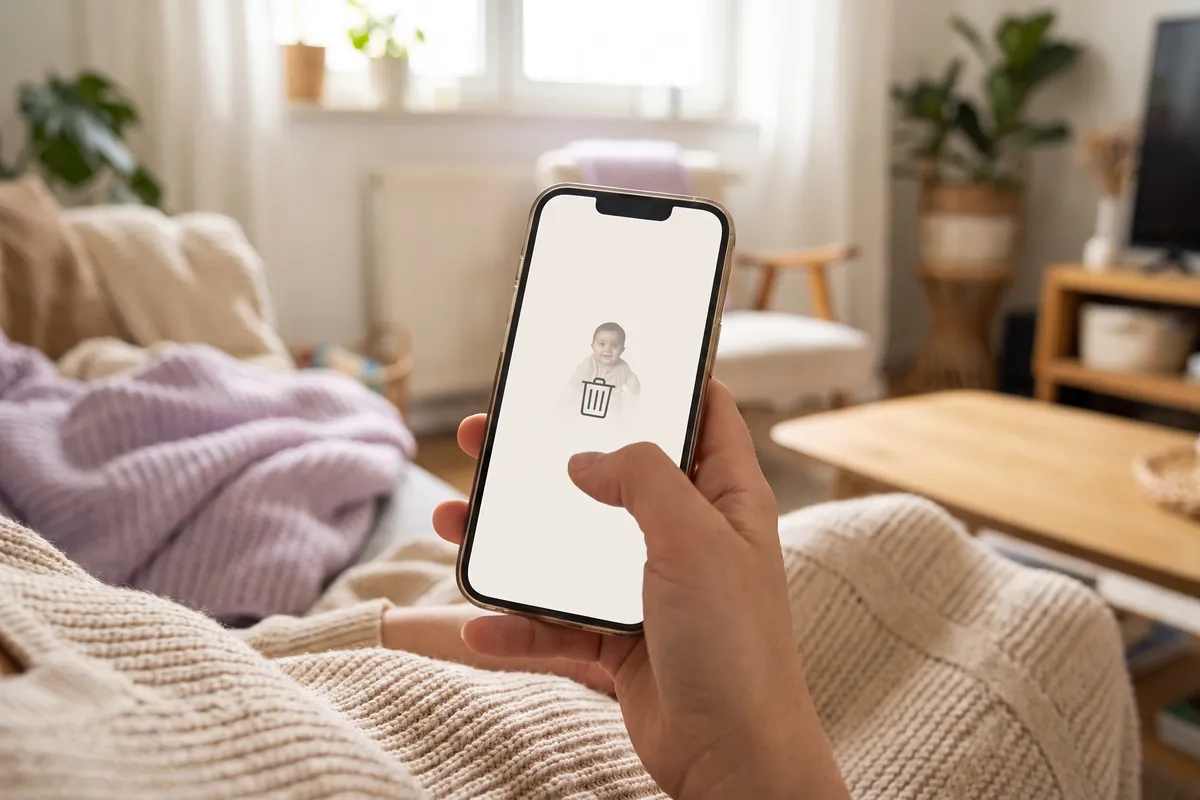
Look for a way to delete images and your account from inside the app, not only an email address to write to. Check what deleting removes: account, credits, finished images and any stored uploads.
How to test an app in ten minutes
- Read the consent screen properly and take a screenshot. Does it answer questions 1 to 4?
- Search the privacy policy. Look for "train", "delete", "retain", "third party" and "children". Ten minutes of searching tells you more than an hour of reading.
- Check photo access. When the app asks for your photos, allow only selected photos and see whether it still works.
- Start with a test photo. Use a photo where the face is clear but the background shows nothing personal: no house number, no school logo, no family paperwork on the table.
- Judge the result honestly. Zoom in on the face. Would a grandparent recognise the child? Are the clothes and pose sensible?
- Try deleting. Delete the image in the app and see whether the app confirms it is gone.
Red flags worth walking away from
- No consent step before upload, or a consent box that is already ticked.
- A privacy policy that never mentions AI providers, training or deletion.
- Vague wording like "we may use content to improve our services" with no way to opt out.
- Full photo library access required to make one image.
- Example galleries showing unclothed babies or risky poses.
- No way to delete your data from inside the app.
- Pressure tactics: countdown timers, "today only" banners, copy that tries to make you feel guilty about how fast babyhood passes.
A quick comparison sheet
Copy this into your notes and fill it in for each app you are considering.
| Question | Reassuring answer | Worrying answer |
|---|---|---|
| Consent before upload | A clear screen listing what is shared | Only in terms accepted at install |
| Upload deletion | Deleted when the job ends | "As long as necessary" |
| Training use | Never used for training | Not mentioned, or opt out only |
| Processor | Provider and storage named | Not disclosed |
| Likeness | Face, expression and skin tone kept | Only "cute results" promised |
| Clothing and poses | Fully clothed, tested themes | Anything goes with prompts |
| Failed images | Credit refunded | Credit lost |
| Sign-in | Only for AI features | Required just to open the app |
| Photo access | Selected photos only | Whole library |
| Deleting data | Inside the app | Email request only |
How our own app answers the checklist
In the interest of transparency, here is how TinyLapse measures up, using only what the app actually does. It is an iPhone app for daily baby photos and time-lapse videos, and its AI keepsake cards are an optional extra.
- Consent. Before the first upload, the app shows what is shared and asks for explicit consent.
- Deletion. The uploaded photo is deleted as soon as the job ends. The finished card is kept for 90 days or until it is deleted.
- Training. Photos are not used for training.
- Processing. The photo goes to private storage and to fal.ai, which runs OpenAI's GPT Image, with ByteDance Seedream as a fallback.
- Likeness. Every preset is written to keep the baby's face, expression and skin tone.
- Clothing. Presets keep the baby fully clothed, and nobody types a prompt.
- Failed images. Each card uses one credit, and a failed card refunds it.
- Sign-in. Sign in with Apple or Google is needed only for the AI features.
- Your other photos. Albums live on your device and in your own iCloud, in a private CloudKit database, and the app's team never sees them. There is more in the privacy section.
Please check these answers in the consent screen yourself rather than taking our word for it. That habit will serve you well with every app. If the approach suits your family, you can see the AI keepsake cards on our home page and find the app on the App Store.
After the image: sharing it with care
A keepsake card often ends up in a family group chat, and from there on phones you will never see. Before sending, take a moment: who is in the group, does the card or its caption reveal your child's full name or birthday, and is it an image your child would be happy to find when they are older? Our guide to sharing kids' photos online safely has practical settings for common situations, and once you have chosen an app, our AI keepsake card ideas will help you pick themes worth keeping.