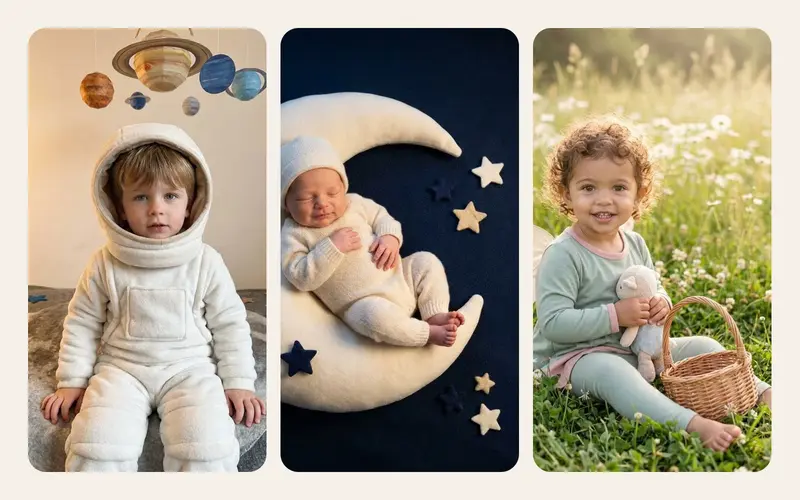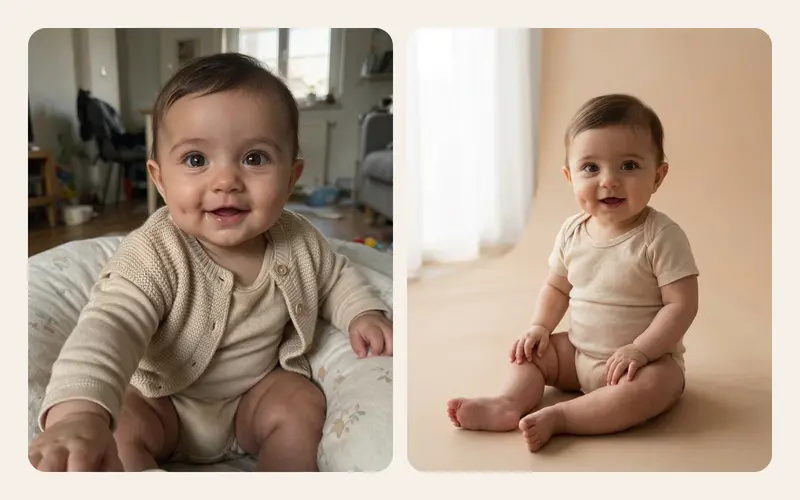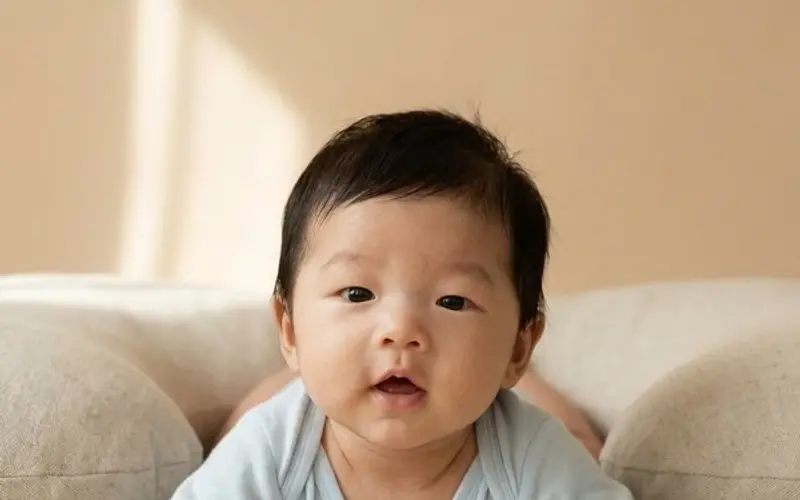
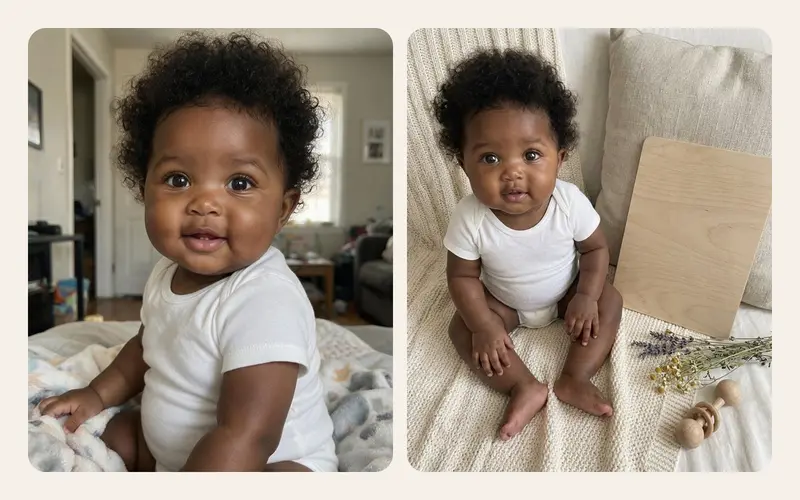
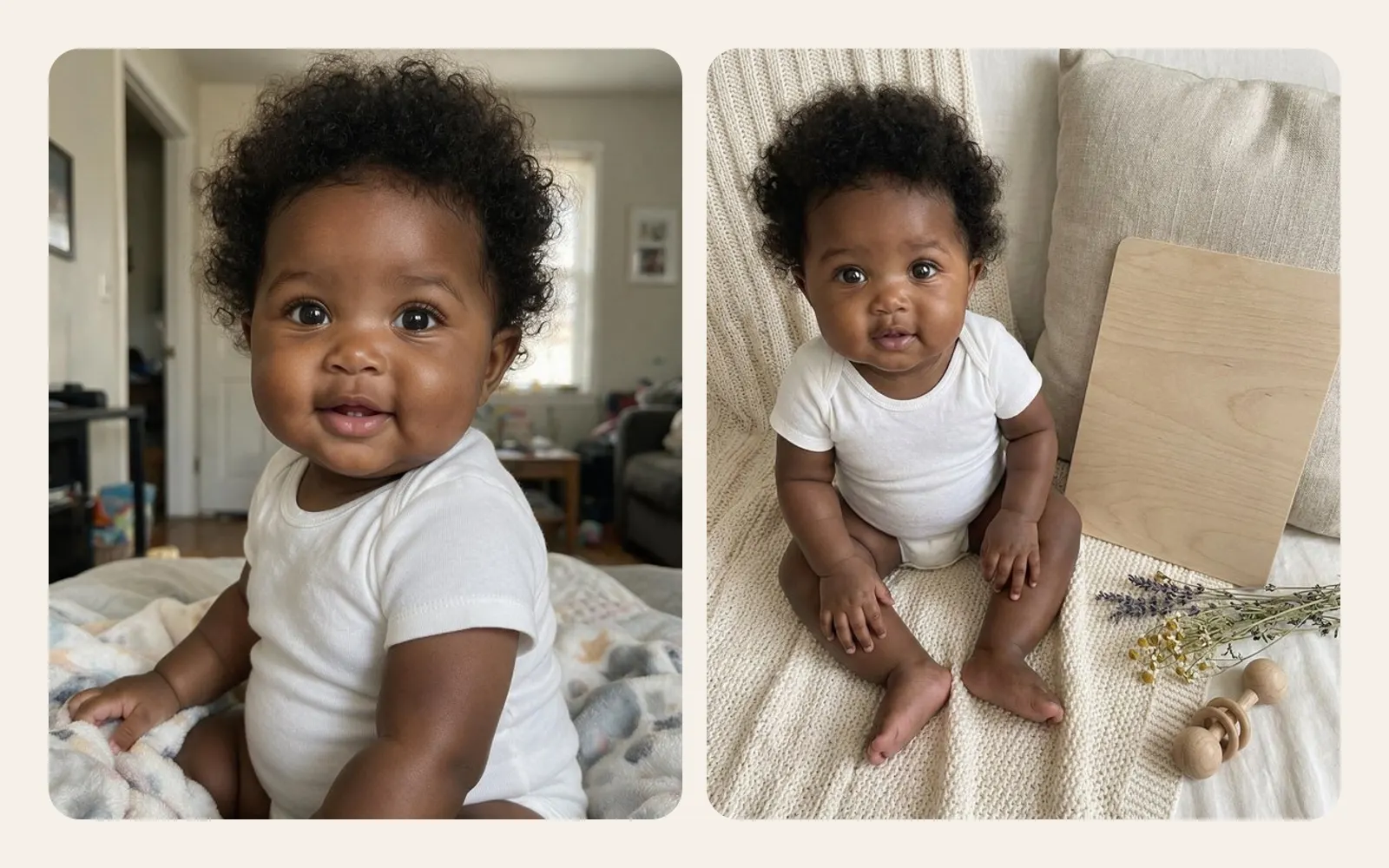
You pick a photo of your baby in a striped bodysuit on the sofa, choose a theme, and a little later you get the same small face on a knitted blanket beside a wooden milestone board, lit like a studio portrait. It feels like magic. It is not. It is a particular kind of software doing a particular job, with real strengths and real limits.
Knowing how it works makes you better at three things: choosing which photo to use, choosing which app to trust, and knowing what to expect from the result. This is the plain words version, with no maths and no hype.
The short answer
An AI baby photo generator does not edit your photo the way a filter or a beauty app does. It does something closer to this:
- It looks at your photo and turns it into an internal description: face shape, expression, pose, skin tone, light, clothes.
- It reads an instruction, such as "the same baby, fully clothed, lying on a cream knitted blanket in soft window light".
- It generates a completely new image that tries to satisfy both at once.
The baby in the result is a new picture that resembles your baby. It is not a photograph of them. Three things follow from that, and the rest of this article explains each one:
- Because every pixel is newly made, small details can change.
- The better the photo you start with, the closer the resemblance.
- The instruction shapes the result as much as the photo does.
What the model learned, and from what
Image models are trained on very large collections of pictures paired with text describing them. During training the model practises a task over and over, for example restoring a picture that has been deliberately buried in visual noise, while being told what the picture shows. After an enormous number of rounds it builds a statistical sense of what things look like: how daylight falls across a cheek, what knitted wool looks like up close, how a sleeping baby's fist is usually curled.
Two points are worth holding on to.
It is not a photo library. The model does not work by looking up stored photos and pasting pieces of them together. What it keeps after training is a vast set of numbers (the model's weights) that encode patterns.
It knows nothing about your baby. When you upload a photo, the model is seeing that face for the first time. Producing your image does not change the model or teach it your child. Whether the photo is kept or ever used to train a future model is not a technical question at that point; it is a policy decision by the service, which is why policies matter so much.
The newest tools are image editing models. Beyond "text in, picture out", they are trained on examples of "picture plus instruction in, edited picture out". That extra training is what teaches them to keep the parts of an image the instruction does not ask to change, such as a face.
From your photo to a new image, step by step
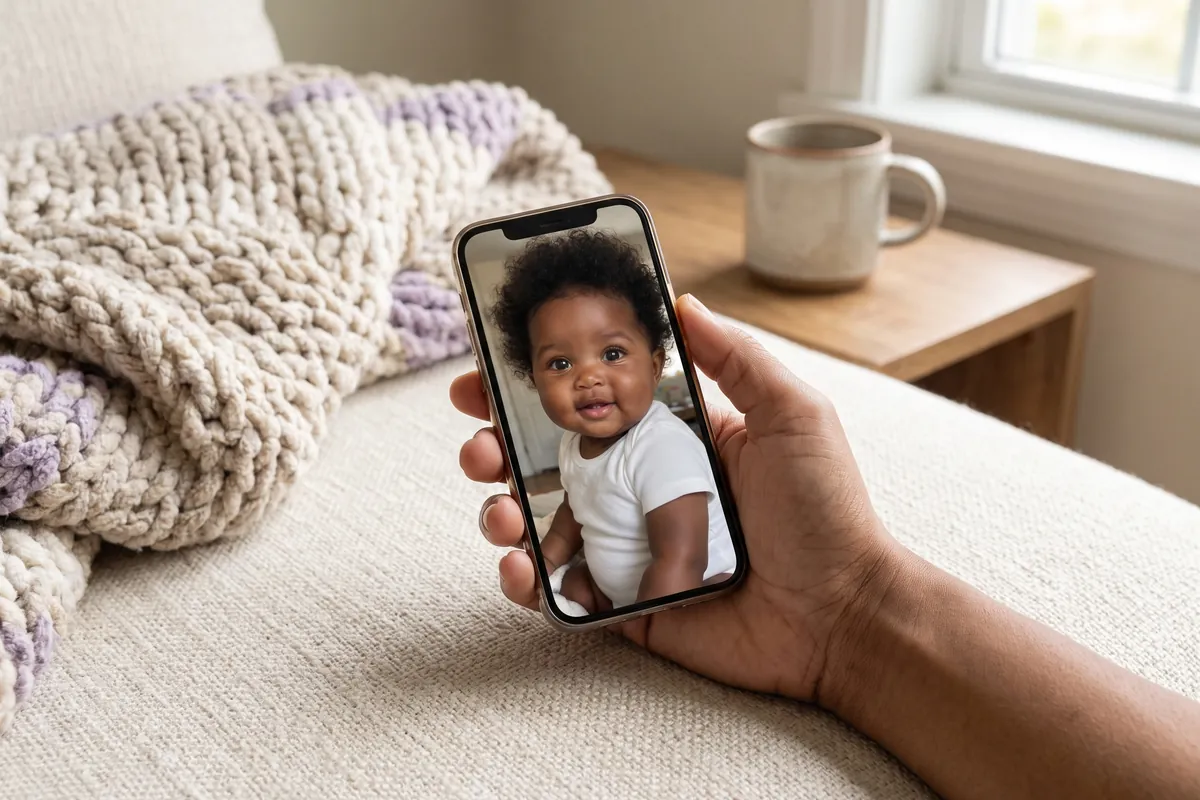
Here is what typically happens between tapping a button and seeing the result.
- Upload. The app sends your photo over an encrypted connection to a server. The best image models are far too large to run on a phone, so the work happens in a data centre.
- Preparation. The photo is usually resized and checked. Many providers run automated safety checks on what goes in and what comes out.
- Encoding. The model converts the image into a compact internal form, a grid of numbers that captures shapes, colours and features rather than raw pixels.
- Combining with the instruction. The text is turned into numbers too. The model now holds two signals: what is in your photo, and what the result should look like.
- Generation. The model builds the new image, usually in a few seconds to a minute.
- Delivery. The finished image is sent back to the app. What happens to both the upload and the result afterwards depends on the service.
Diffusion and the other main approach
There are two broad ways models build the picture in step 5. Diffusion models start from random static and remove it over many small steps, each step nudged toward an image that fits your photo and the instruction, a bit like a print slowly appearing in a darkroom tray. Autoregressive models build the image piece by piece, predicting one patch after the next, much as a chat assistant predicts the next word. Some systems mix the two.
For a parent the difference matters less than the shared idea: the result is generated under the guidance of your photo, not cut out of it.
What "identity preservation" means
Identity preservation is the technical name for "does it still look like my child?". For a baby, that breaks down into specific features:
- Proportions: the space between the eyes, the bridge of the nose, the fullness of the cheeks, the chin.
- Expression: a half smile should stay a half smile, not become a toothy grin.
- Skin tone and undertone: not lightened, darkened or turned orange by a warm theme.
- Hair: how much, what colour, what texture.
- Age: a four month old should not come back looking two.
- Small marks: a birthmark, a dimple, a stork mark on the eyelid.
Why babies are especially hard
Adult faces have strong, varied features. Baby faces, to a model that has seen millions of faces, are more alike: round cheeks, small noses, few defining lines. That creates a pull toward an "average cute baby", and results can drift in that direction with slightly bigger eyes, smoother skin and a more symmetrical face. A stranger would not notice. A parent notices instantly, and so does a grandmother.
The trade-off every theme makes
The more a theme changes (new setting, new light, new outfit, new pose), the more the model must invent, and the more room there is for the face to drift. Swapping the background for a soft studio backdrop keeps more of the original than turning a living room snapshot into a snowy fairy tale scene. Well made tools write their instructions to hold the face steady while changing everything else.
| Usually kept well | Often changed or wrong |
|---|---|
| Overall face shape and expression | Birthmarks, a single dimple, fine skin details |
| Skin tone under neutral light | Skin tone under strongly coloured themes |
| Hair colour | Exact hairline, a cowlick, curl pattern |
| General pose and head angle | Fingers, especially when hands overlap |
| Clothing colour, when asked | Ears, and any letters or numbers on props |
Why AI gets hands, ears and small details wrong
Hands are the classic failure, and there are good reasons for it. In training pictures, hands are small, appear in countless positions, overlap each other and are often half hidden in sleeves or blankets. They are rarely what a picture is about. So models learn hands loosely, and a baby's tiny fist can come back with merged or extra fingers.
The same logic explains other slips:
- Ears are often covered by hair or hats in training images, so their shape gets simplified.
- Text and numbers on a milestone board or letter blocks are learned as shapes rather than spelling. Current models are much better at this than a year or two ago, but a "6 months" can still come back slightly off.
- Repeating patterns like knit stitches or gingham may not line up.
- Physical logic can bend: a blanket that melts into a sleeve, a toy that floats.
What to do about it: open every result at full size and look at the hands, ears, eyes and any text before you keep or share it. If something looks wrong, try a different starting photo rather than keeping an image that will bother you later.
A photo that gives the best result
The input photo is the part you control most. A quick checklist:
- Face clearly visible, front-on or at a slight angle, eyes open or peacefully closed.
- Sharp and well lit, ideally daylight from a window. Blur and deep shadow force the model to guess.
- No heavy filters or beauty modes. They have already changed the face before the AI starts.
- One child in the frame. Several faces make it harder to know whose features to keep.
- Face reasonably large, not a small figure in a wide room shot.
- Nothing covering the face: no dummy, hand or hat brim across it.
- Dressed, with a plain background. Never use bath, nappy-only or unclothed photos, and avoid anything that identifies your home or your child's name. Our guide on whether it is safe to upload baby photos to AI goes into this in detail.
Who writes the instructions: prompts and presets
Every result is shaped by an instruction, called a prompt. Apps handle it in two ways.
Open prompts let you type whatever you like. They are flexible, but results vary a lot with wording, it takes practice to get consistent faces, and an open text box also makes it easier for anyone to ask for things that should never be made with a child's photo.
Presets are instructions written and tested in advance by the app maker. You choose a theme; the wording is fixed. You trade some freedom for predictability, and the maker can build rules into every preset, for example "keep the face exactly" and "keep the baby fully clothed". We compare both in AI baby photo prompts vs presets, and you will find theme inspiration in AI baby keepsake card ideas.
One example, and the honest limits
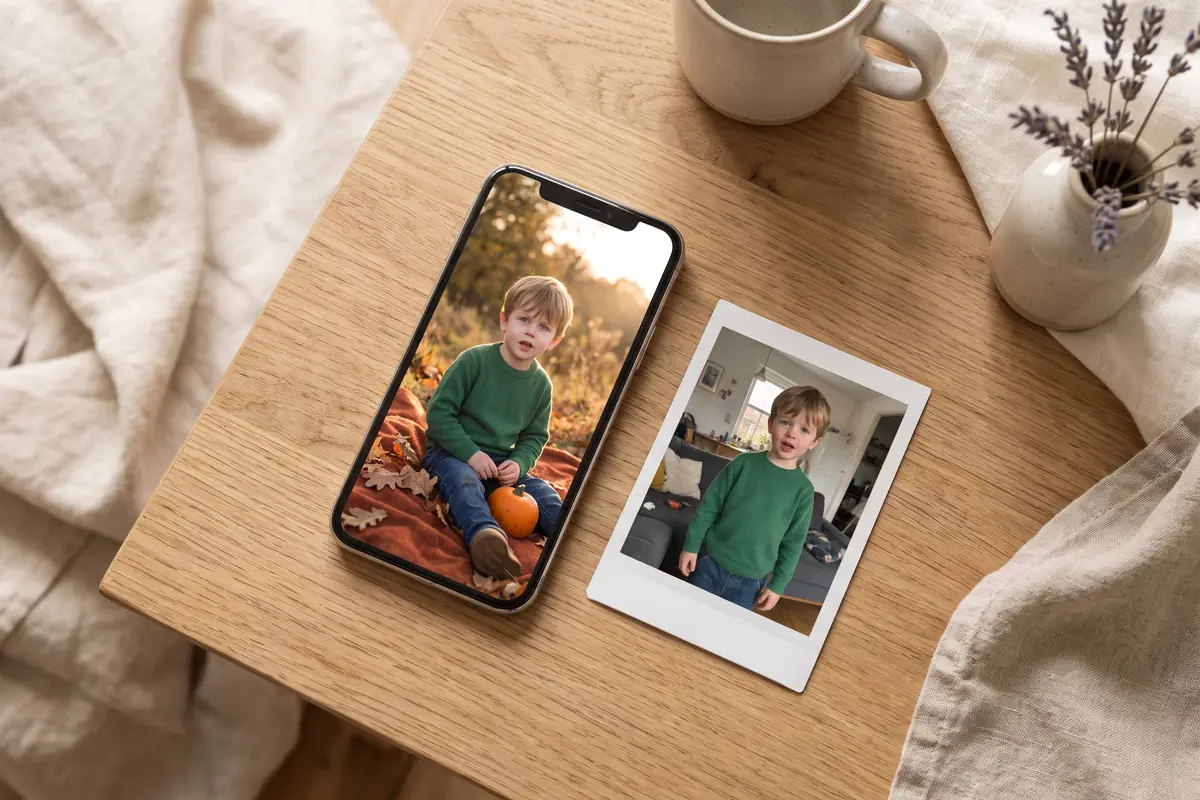
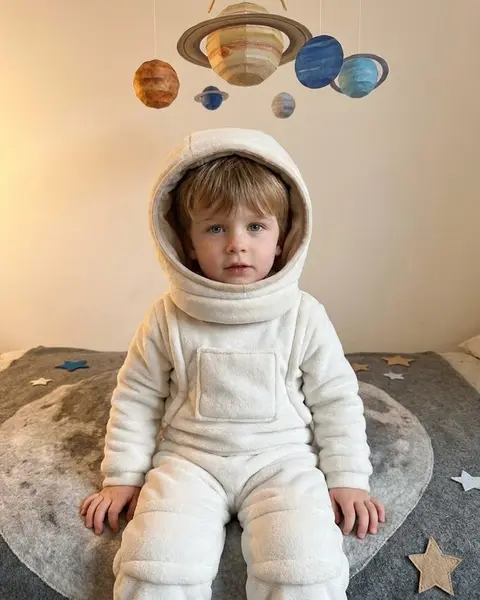
To make this concrete, here is how the AI keepsake cards in TinyLapse work. The feature is optional. You pick one photo and one themed preset (Monthly milestone card, Soft studio, Winter tale, Little astronaut and others) and get one image. Nobody types a prompt: the presets are fixed instructions written by TinyLapse that keep the baby's face, expression and skin tone and keep the baby fully clothed. Before the first upload, the app shows what is shared and asks for explicit consent.
The photo goes to private storage and to fal.ai, which runs OpenAI's GPT Image model, with ByteDance Seedream as a fallback. Photos are not used for training, the uploaded photo is deleted as soon as the job ends, and the finished card is kept for 90 days or until you delete it. Signing in with Apple or Google is needed only for the AI features, each card uses one credit, and a card that fails gives the credit back. For a wider comparison of what to look for, see how to choose an AI baby photo app.
And the limits, which apply to every tool, including this one:
- An AI keepsake is a portrait inspired by a photo, not a record of a day. It can smooth skin, move a curl or miscount fingers.
- Keep the original photo. Years from now, the real snapshot on the sofa is the one that shows how your baby actually looked.
- Label AI images when you share them, so nobody, including your child one day, mistakes them for real photos.
- Never use an AI image to judge anything about your baby's health, growth or development. If you have questions there, talk to your paediatrician.
If you want to try it with those limits in mind, the app is on the App Store. Small moments pass quickly. Their story stays, in the real photos first.