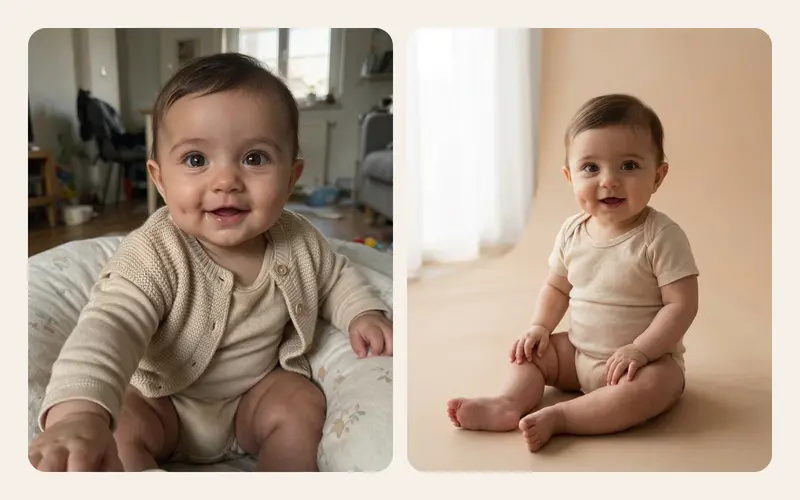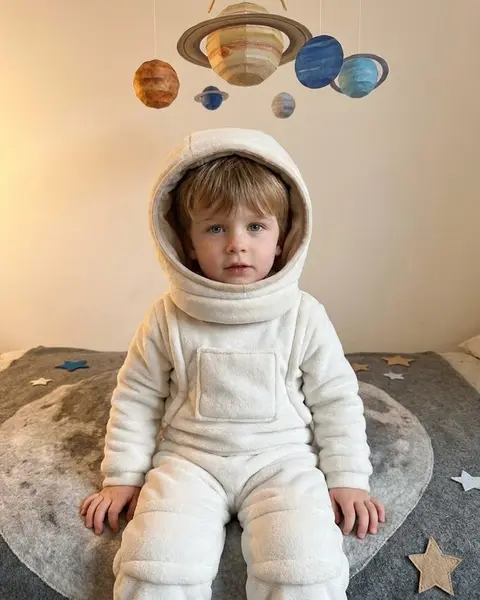
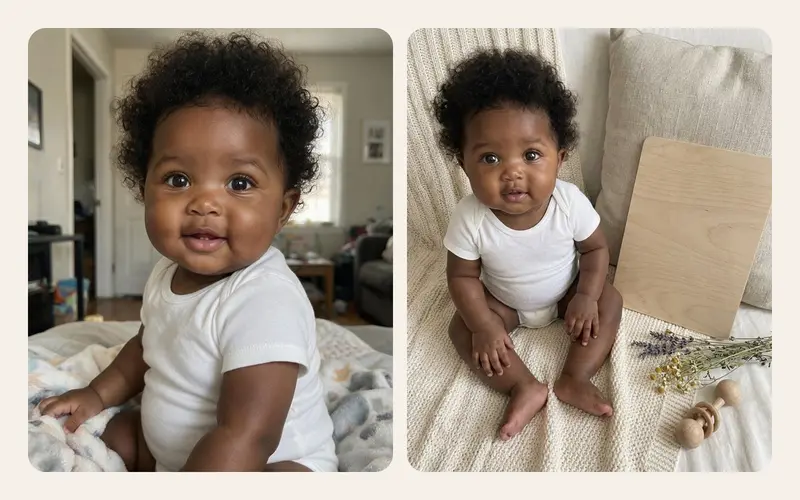
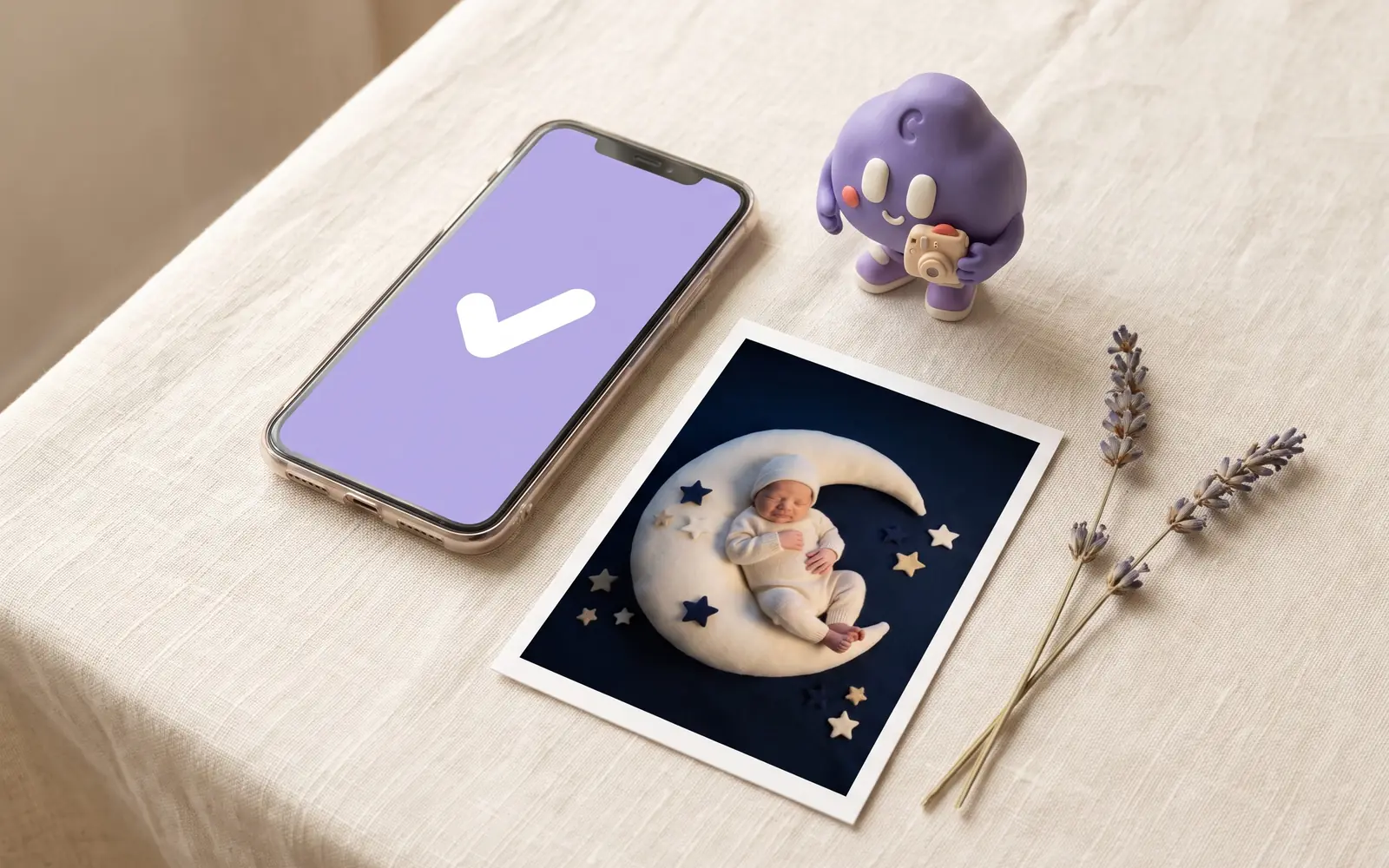
A friend posts her baby as a little astronaut, and the comments fill with hearts. You open the app store, find five apps promising the same, and then hesitate with your thumb over the upload button. That hesitation is sensible. You are about to hand a photo of your child to a computer you will never see, run by people you do not know.
The honest answer to "is it safe?" is neither "completely" nor "never". It depends on which photo, which service, and what that service does with it. This guide explains what really happens after you tap upload, which risks matter most, which photos to keep out entirely, and gives you a checklist you can hold any app to, including ours.
The honest short answer
Uploading a baby photo to an AI service is a reasonable choice when three things are true:
- The photo is one you would be comfortable showing a stranger. Your baby is dressed, and nothing in the background identifies your home or your child.
- The service is clear. It names who processes the photo, says plainly that uploads are not used for training, and states how long anything is kept.
- You stay in control. The upload is deleted when the job ends, and you can delete the results yourself.
If any of those is fuzzy, waiting is a perfectly good decision. A photo that is never uploaded cannot leak, and your baby's story does not need an AI image to be complete.
What happens after you tap upload
A photo does not go to "the AI". It passes through several places, and each one has a question attached.
| Stage | Where the photo is | Question to ask |
|---|---|---|
| Choosing | On your phone | Does the app need your whole library, or just one photo? |
| Sending | In transit | Is the connection encrypted? (Almost always yes today.) |
| Waiting | The app's storage | Is the storage private, and who at the company can access it? |
| Processing | The AI provider | Which company runs the model, and what is its policy? |
| Result | The app's storage | How long is the finished image kept? |
| Afterwards | Anywhere copies remain | When is the upload deleted, and can you delete the result? |
Two stages surprise many parents.
Choosing. On iPhone, the system photo picker can hand an app just the photo you tap, without giving it access to your whole library. An AI photo app has no real need for more than that. If an app insists on full library access before you can make one image, ask why.
Processing. Most apps do not run their own AI model. They send the photo to a specialised provider that runs a model built by a large tech company. That means a second company handles your photo, and its policy matters as much as the app's. A trustworthy app names that provider.
The risks that matter, in order
Not every risk is equally likely or equally serious. Roughly in order of importance:
1. Training on your photos
If uploads are used to train future models, your child's face becomes part of a dataset that cannot realistically be pulled back out. This is the single most important question, and the answer should be a plain "no".
2. How long copies are kept
Every day a copy exists is another day something could go wrong. The best pattern is simple: the uploaded photo is deleted as soon as the job is done, and the result is kept for a stated period so you can download it.
3. Leaks and internal access
Any stored data can be exposed in a breach. The less that is stored, and the shorter the time, the smaller the risk. Private storage and limited staff access help too.
4. Services with no one behind them
Websites with no company name, chat bots in messaging apps, ads promising "baby turns into a fairy in 5 seconds, just send a photo". You cannot know where those photos go or what happens to them. Skip them.
5. What happens once you share the result
An AI image posted publicly is as out of your hands as any other photo. The risk here is the same as sharing real photos, which our guide on sharing kids photos online safely covers in detail.
A note on a common fear: a reputable image generator is not building a face recognition profile of your child. Making a picture and identifying a person are different technologies. But a service with unclear policies could do anything with an upload, which is exactly why the questions above matter more than the technology itself. If you want to understand the technology, read how AI baby photo generators work.
Photos you should never upload
Keep these out of every AI app, however trustworthy it seems:
- Bath, nappy-only or unclothed photos. No exceptions.
- Anything that shows where you live: house number, street sign, car plate, the view from a recognisable window.
- Names and institutions: a nursery or school logo, a name on a cot or a bedroom wall, a personalised bib.
- Documents: a hospital bracelet with a name, a birth certificate, a passport.
- Other people's children, unless their parents have agreed.
- Medical details you would not want stored: equipment, dressings, a visible condition.
A good starting photo is a close portrait of your baby, dressed, in daylight, against a plain wall or blanket. It also happens to give the best results.
Questions to ask any AI photo app
Before you upload, find the answers in the app's consent screen or privacy policy. If you cannot find them, that is itself an answer.
| Question | Reassuring answer | Red flag |
|---|---|---|
| Who runs the app? | A named company with contact details | Only a username or a chat handle |
| Who processes the photos? | The AI provider is named | "Our partners", no names |
| Are uploads used for training? | A plain no | "To improve our services" |
| When is the upload deleted? | When the job ends, or a short stated time | Not mentioned |
| How long are results kept? | A stated period, deletable sooner | Indefinitely, or not mentioned |
| Is there consent before the first upload? | A clear screen listing what is shared | Uploads start without asking |
| What can be generated? | Fixed presets or clear content rules | Anything you type |
| What access does it want? | One photo; sign-in only where needed | Full library, contacts, location |
The row about what can be generated matters more than it looks. Apps built on fixed presets can bake rules into every image, such as keeping the baby fully clothed. We explain the difference in AI baby photo prompts vs presets, and there is a wider buying guide in how to choose an AI baby photo app.
A checklist before your first upload
- Read the consent screen fully, not just the button.
- Confirm that uploads are not used for training.
- Find out when the upload is deleted and how long results are kept.
- Check that the AI provider is named.
- Pick one photo through the system picker instead of granting full library access.
- Use a dressed, close portrait with a plain background.
- Check the frame for names, addresses, logos and documents.
- Make one image first and look at it at full size before making more.
- Save the images you love and delete the ones you do not.
- Decide who will see the result before you share it.
How TinyLapse handles AI photos
Here is how we built our own feature against that checklist, so you can judge it the same way.
Your everyday albums stay on your device and in your own iCloud (a private CloudKit database), and we never see them; you can read more in the privacy section. The optional AI keepsake cards are separate. You pick one photo and one themed preset, and nobody types a prompt. The presets are fixed instructions we wrote to keep your baby's face, expression and skin tone and to keep your baby fully clothed. Before the first upload, the app shows what is shared and asks for your explicit consent, and signing in with Apple or Google is needed only for these AI features.
The chosen photo goes to private storage and to fal.ai, which runs OpenAI's GPT Image model, with ByteDance Seedream as a fallback. Photos are not used for training. The uploaded photo is deleted as soon as the job ends, and the finished card is kept for 90 days or until you delete it.
That does not make any online service risk-free, and it does not make an AI card a real photo. It does mean every item in the checklist above has a clear answer.
After the image comes back
- Label it as AI when you share it, for example with a short "AI keepsake" caption, so nobody mistakes it for a real photo years from now.
- Share privately first. A family chat is a very different audience from a public profile.
- Keep the real photo as the record of how your baby actually looked.
- Delete what you do not want kept, rather than waiting for automatic deletion.
- Never read health or development into an AI image. If something about your baby worries you, talk to your paediatrician.
If you decide to try AI keepsakes with these rules in mind, TinyLapse is on the App Store. If you decide not to, your real photos already tell the story. Small moments pass quickly. Their story stays.